
How to Print a Screen in landscape orientation in MyFunding
1. Open the screen you wish to print
2. Right click on the mouse
3. Select “Print”; this will open the print feature
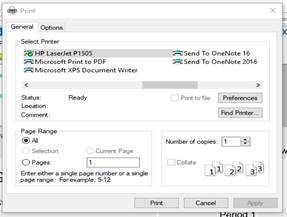 4. Click on “Preferences”
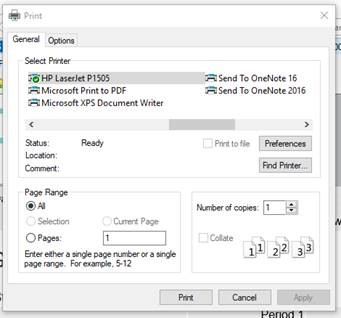 5. Select “Finishing”

4. Click on “Preferences”
5. Select “Finishing”

